12 November 2026
Watch a LEGO set and get told when it drops
Bookmark any LEGO set to watch its price. Your watchlist shows what has changed since you last looked, and optional browser alerts tell you when a set gets meaningfully cheaper. No account, no email.
Most people do not buy a big LEGO set the day they find it. They wait for a better price, and then forget to check. The watchlist does the checking for you.
Watching a set
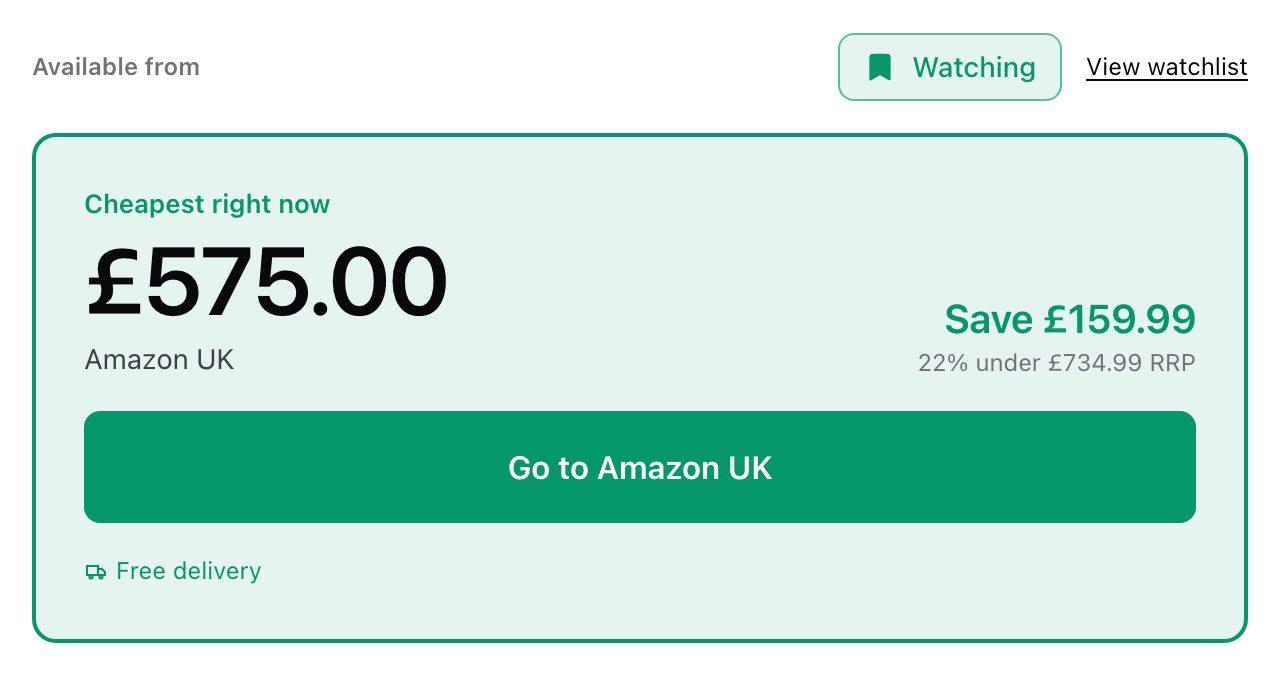
Every set on BrickCompare now has a bookmark. On a set's page it is the Watch price button above the prices; in listings it is the small bookmark on each card's image, which appears when you hover on a computer. Tap it again to stop watching.
Your watchlist is in the header, with a count of the sets on it. It shows each set's best UK price today and, when you come back, what changed while you were away: "2 of your 5 sets are cheaper than when you last looked", and by how much.
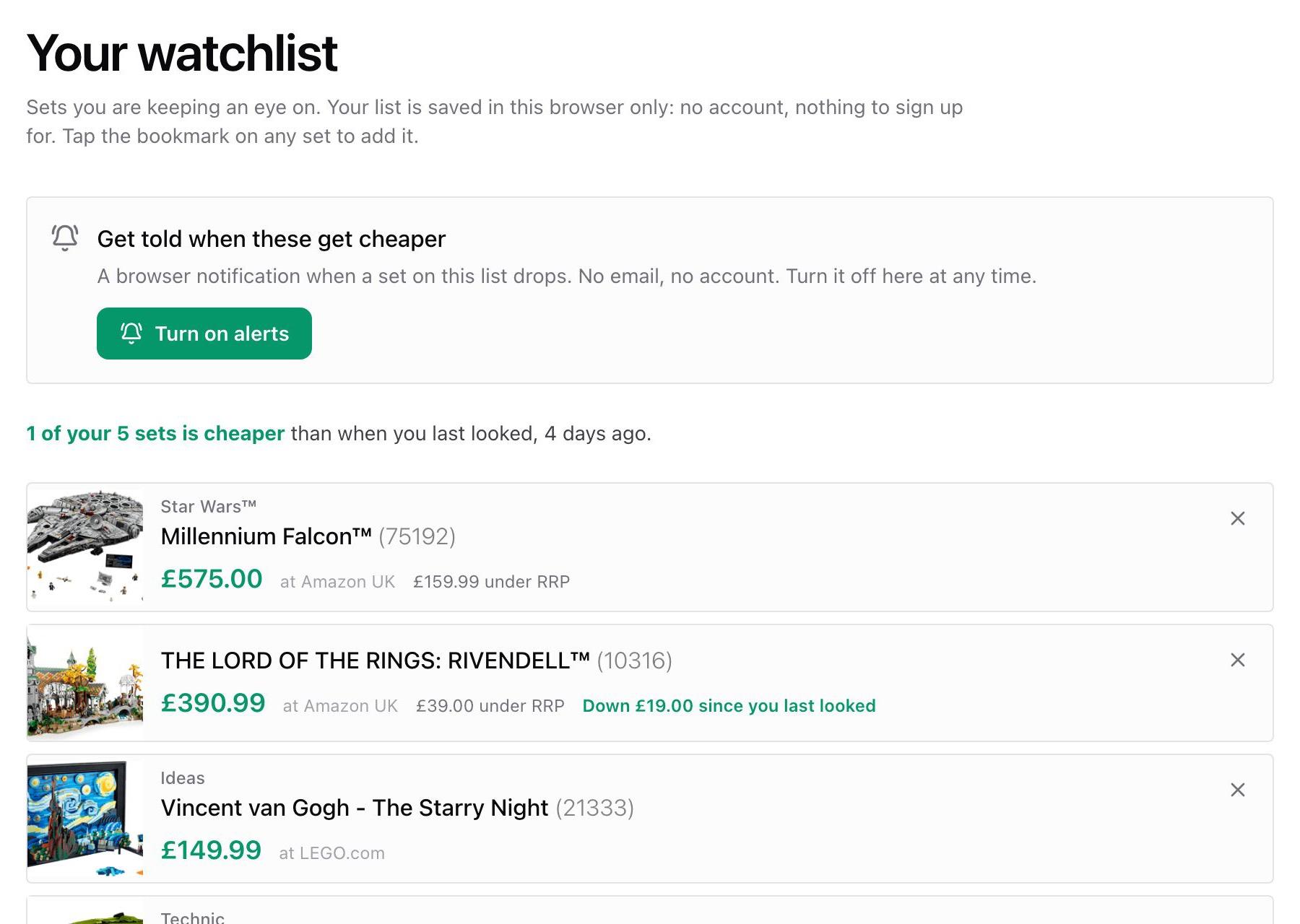
No account, no email
Your watchlist is saved in your own browser. There is nothing to sign up for, and we do not know who you are or what you are watching. The trade-off is that it belongs to that browser: your phone and your laptop each have their own, and clearing your browser data clears it. It holds up to 100 sets.
Price-drop alerts
If you would rather not keep checking, turn on alerts from the watchlist page. Your browser asks once for permission to show notifications, and that is it.
- We check twice a day, mid-morning and early evening, after the main price updates.
- You hear about a set when its best UK price falls at least £2 and 3% below the price we last told you about, or below its price when you started watching. Small wobbles, a few pence either way, never trigger anything.
- You get at most one notification per check, covering every set that dropped. Tap it to go straight to the set, or to your watchlist if several moved.
- Turn alerts off on the watchlist page at any time, and we delete everything we held for them.
What alerts need from us
To send a notification, we have to store a little: the address your browser's notification service gives us (Google, Mozilla or Apple, depending on your browser), the set numbers you are watching, and the price we last told you about. Not your name, not your email. If your browser stops accepting our notifications we delete it, and we delete any we have not heard from in 180 days. The privacy policy has the detail.
On iPhone and iPad
Apple only allows a website to send notifications once it is on your Home Screen. In Safari, tap the Share button, choose Add to Home Screen, then open BrickCompare from the new icon and turn alerts on from there. The watchlist page explains this if you open it in a normal Safari tab.
On a computer, notifications arrive while your browser is running, even with BrickCompare closed.
Making the most of it
- Watch sets marked Retiring soon. Once LEGO stops making a set its price usually goes one way, so a drop before then is worth hearing about.
- Each set's page shows where today's price sits in its 12-month range. A set already near its lowest may not drop much further; one near the top is a good one to watch.
- In the price list, More then My watchlist only shows your watched sets side by side, with every retailer's price.